 Back
October 29, 2026
RiConnect
By RiConnect, Inc.
Share:


Most incidents have a quiet prelude: an examination slips past its due date, a pre-use check fails, a calibration lapses. Someone, somewhere, may know. But the person about to use the equipment often does not. The distance between a recorded problem and the person who needs to see it is where incidents begin.
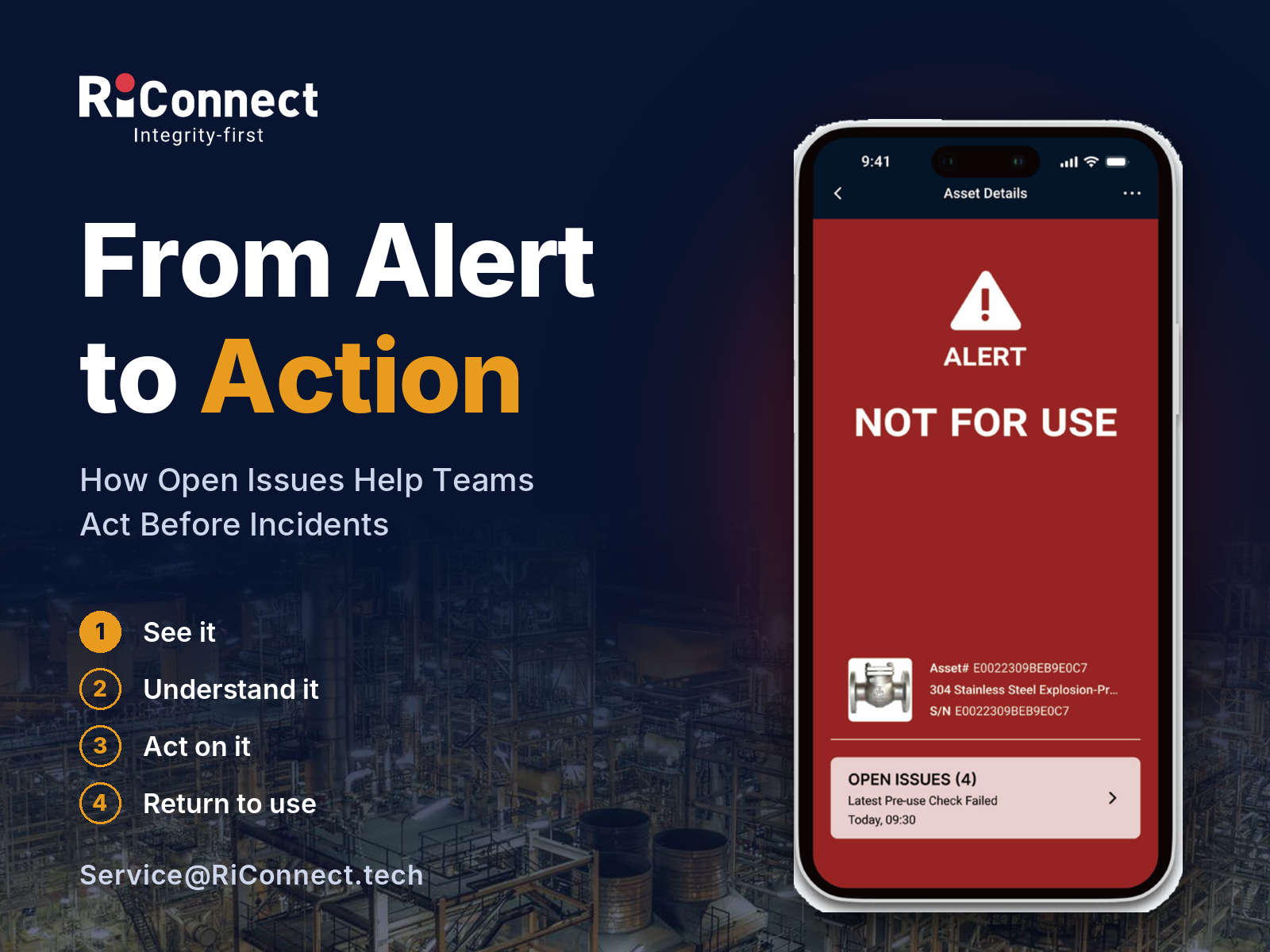
When something is wrong, the asset’s page in the RiConnect App turns red, shows an ALERT and states NOT FOR USE. The warning sits on the asset itself, so whoever scans it next sees it, whether that is an operator or a manager. Nobody has to make a call or search a spreadsheet first.
An alert without an explanation only creates more questions. Beneath the status, RiConnect lists the Open Issues with a count of how many remain, for example Latest Pre-use Check Failed, Latest Examination Failed, Latest Maintenance Failed or Latest Calibration Expired. The reason is clear, not implied.
The red status is not a manual flag. RiConnect assesses each asset’s records against its integrity rules, so a failed pre-use check, an expired calibration or an overdue examination feeds directly into the asset’s current state.
HSEQ, operations and maintenance read the same information, so a problem noticed by one team is visible to all of them. Your ERP, EAM or CMMS keeps managing records and work orders; they are not built for field-level asset integrity and compliance evidence. RiConnect adds that layer alongside them: a check captured on the asset, evidence stored with it, and a status that follows from the records.
Talk to RiConnect about bringing NOT FOR USE alerts and Open Issues to your assets.


